GitHub CLI is released!
Context switching, using different tools, and losing track of what you were doing is common. Probably all too common for me right now. I am enveloped in meetings and I’ve found myself struggling to context switch, a lot. Also, many people are asking about GitHub and GitHub Actions, so it’s awesome to see that @GitHub has released their new CLI!!
I was working on a project this morning and went to clone a repo and found this new feature:
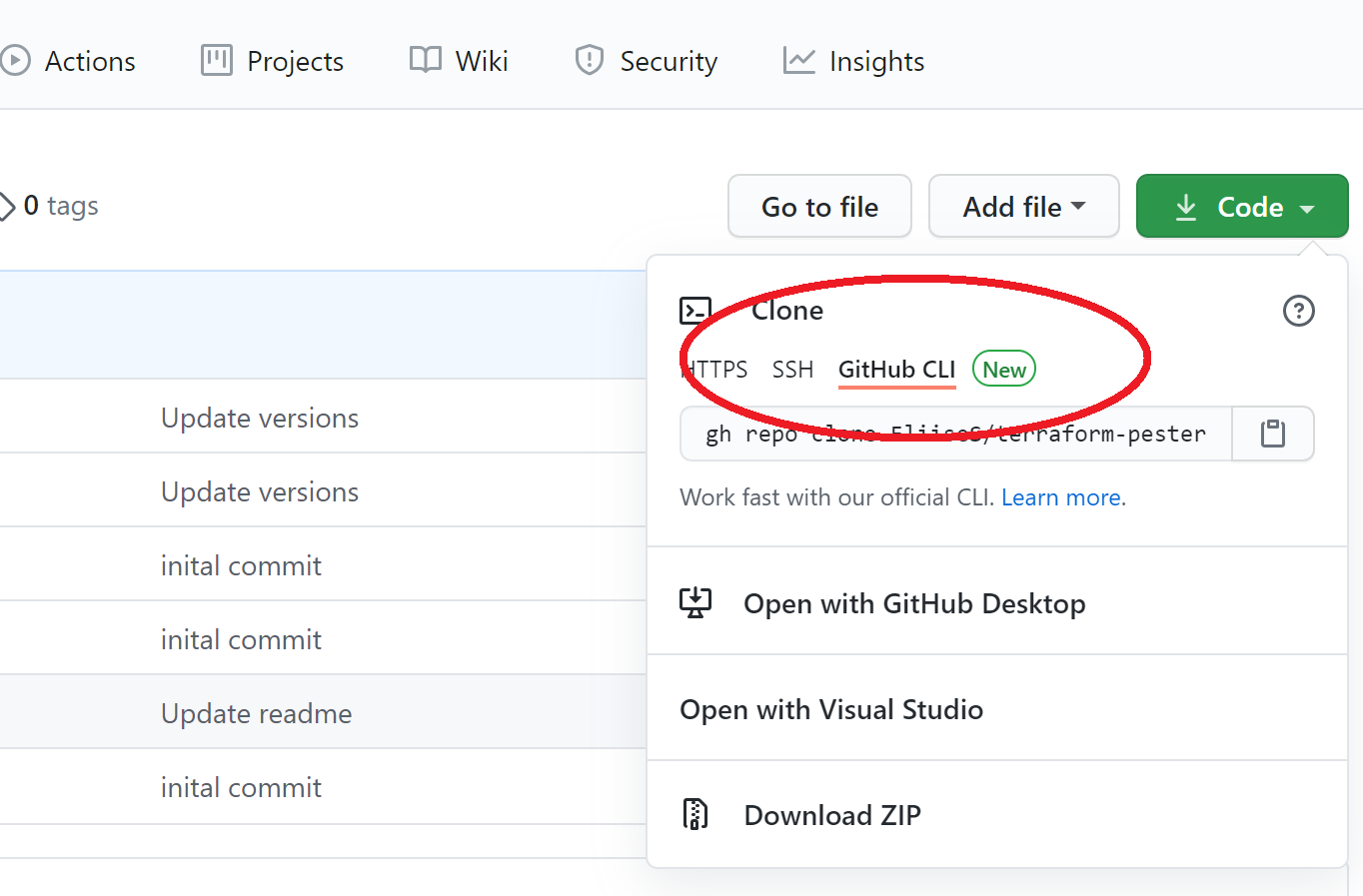
GitHub has release a new terminal that you can use to access your repos, official documentation is here. I installed the CLI using Chocolatey and I was ready to go. You can also download the .msi and get started. It’s really easy to use. Install, open your CLI and go.
Once I installed the GH CLI, I opened my Windows Terminal and connected securely to GitHub. This was super super easy:
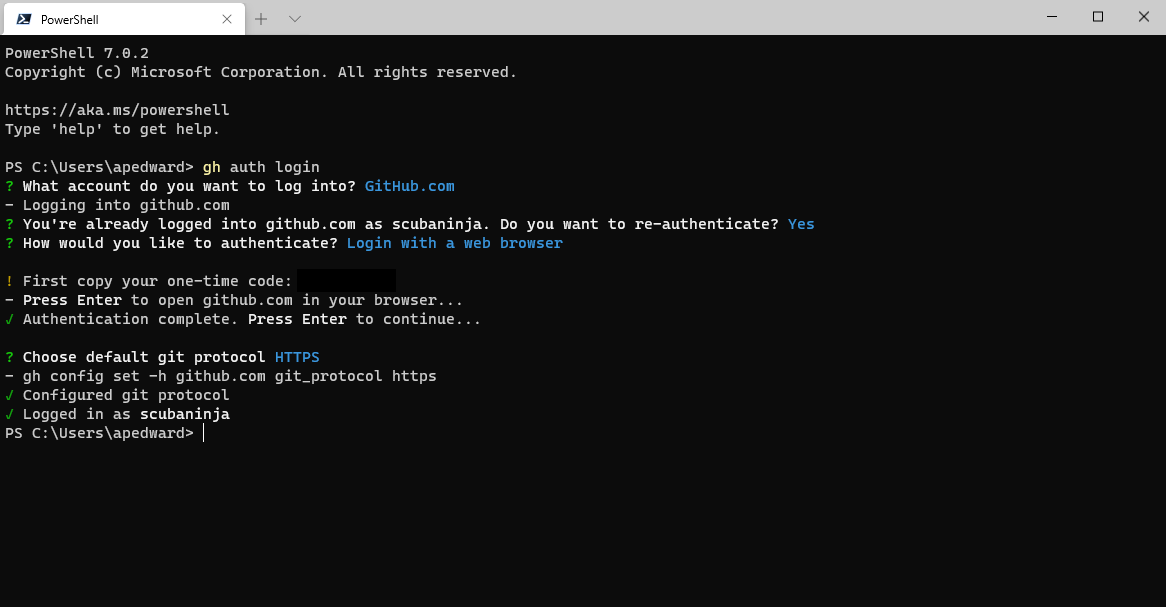
Once connected, I could reference the CLI command that GitHub has published here. From here I could access my repo’s, look at issues (even create an issue), all from the same CLI that I am working in day to day. I don’t have to switch tools and could access everything from one place.
But wait….there’s more! I do love working from the Windows Terminal, but realistically I spend most of my day working from VS Code (or even VS Codespaces). I can run the GH CLI from VS Code!
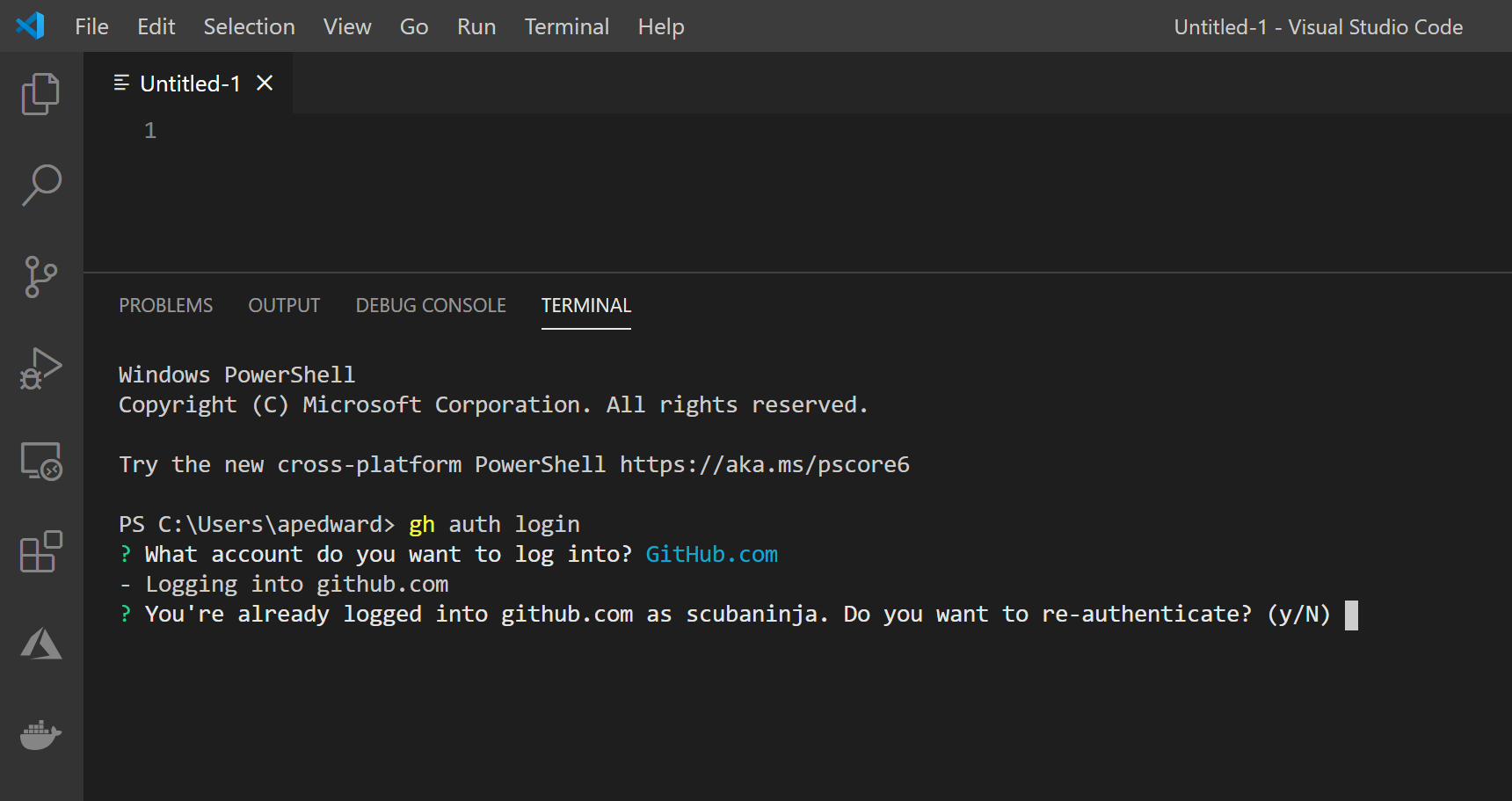
I am so excited to see new features released into GitHub. I can work from the tools that I know and love and literally I don’t have to switch context/screens or anything to access my repos ❤
GitHub is empowering techies around the world to do more!